
Apple Sign-In Was Broken on Android. I Found It Through Visitor Tracking, Not a Bug Report.
Draft Disclaimer: Please note that this article is currently in draft form and may undergo revisions before final publication. The content, including information, opinions, and recommendations, is subject to change and may not represent the final version. We appreciate your understanding and patience as we work to refine and improve the quality of this article. Your feedback is valuable in shaping the final release.
Language Mismatch Disclaimer: Please be aware that the language of this article may not match the language settings of your browser or device.
Do you want to read articles in English instead ?
TL;DR
What: Apple Sign-In was rendering on Android browsers in my checkout flow. Apple's OAuth redirect does not work in Android's browser environment, so every Android user who tried it hit a dead end. Why it went undetected: zero user complaints, just quiet session exits. How I found it: a single visitor session flagged in my tracking dashboard. Fix: a five-line Blade conditional hiding the button when the user-agent contains "android".
The Session That Started It
Every day I scan my visitor dashboard for high-intent sessions that did not convert. The metric I focus on is engagement score combined with checkout activity: visitors who browsed deeply, added something to their cart, and then disappeared.
One session stood out. An Android user, Google Chrome, Dakar. Engagement score: 85 out of 100. They had viewed the product page, added a GPS tracker to their cart, and reached checkout. Then nothing. Exit page: the social login section.
No account created. No order started. Gone.
That alone is not unusual. Checkout abandonment happens. What made me look closer was the exit page. Not the cart. Not the payment step. The login options.
What Was on That Page
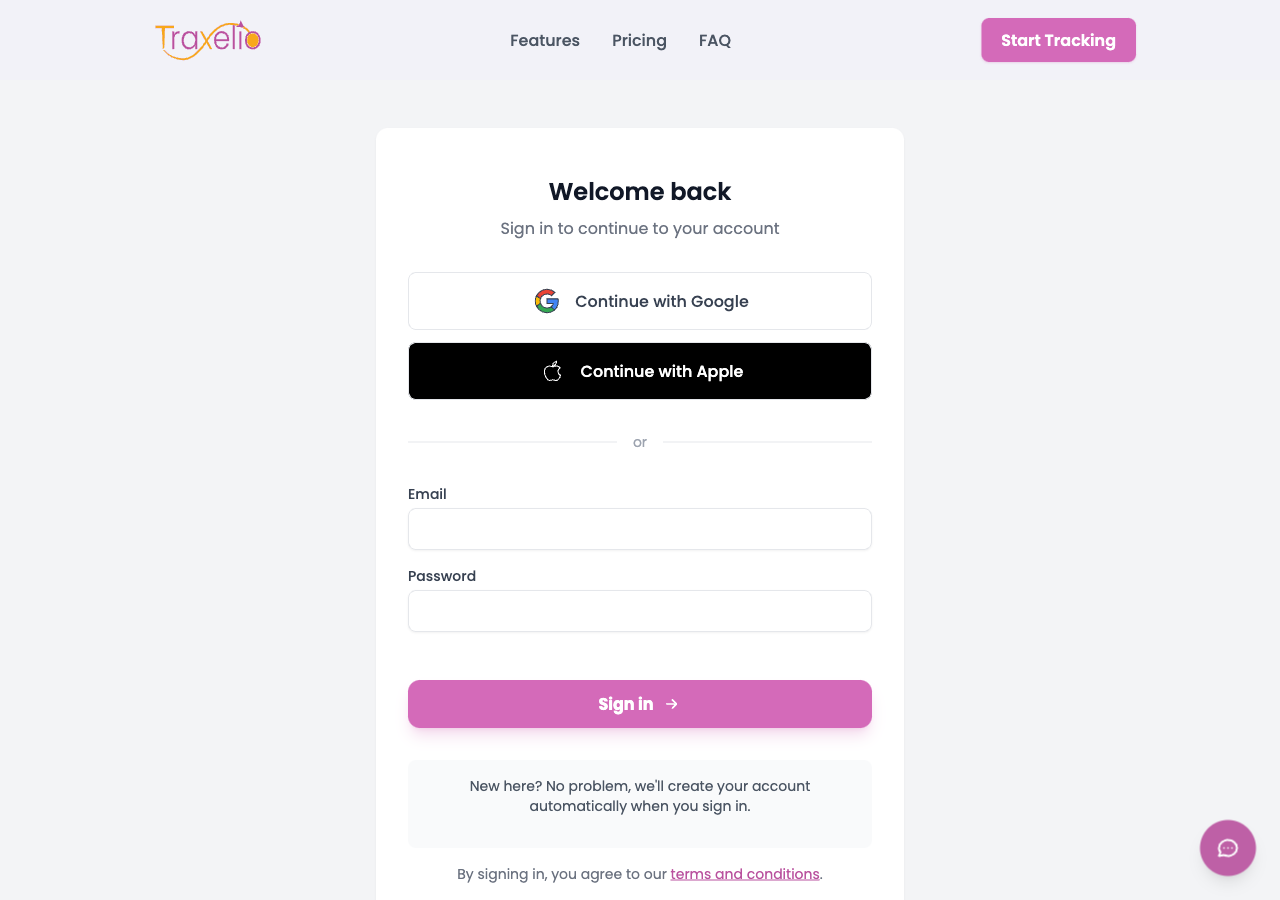
My checkout flow offers three ways to authenticate: phone number with OTP, Google Sign-In, and Apple Sign-In. All three are rendered for every visitor regardless of device.
That last one is the problem.
Apple Sign-In works by redirecting the user to Apple's authentication servers, completing the OAuth handshake, and redirecting back. On iOS and macOS, this works seamlessly because the system has native support for the flow.
On Android, it does not. The redirect lands in a browser context that cannot complete the handshake. The button renders. The user taps it. Something happens. Nothing useful happens after that.
The button was showing on every Android browser. It had been there since the feature shipped.
Thirty Days of Data
Once I saw the pattern in one session, I pulled the full 30-day window from my visitor activity logs: every Android session that reached the checkout page, filtered by activity type.
The numbers:
| Metric | Value |
|---|---|
| Android sessions reaching checkout | 15+ |
| Conversions via Apple Sign-In on Android | 0 |
| Conversions via other methods (same sessions) | 0 |
| Support tickets about Apple Sign-In on Android | 0 |
The last row is the one that should concern you. Fifteen-plus visitors encountered a broken authentication option over thirty days. Not one of them filed a complaint. They just left.
Why Nobody Complained
When something on your product breaks visibly and loudly, users tell you. Error messages, failed payments, broken pages: these generate support tickets.
When something breaks quietly, users do not know what to tell you. They tapped a button, something weird happened, nothing worked, and they moved on. They did not debug it. They did not open a support chat. They assumed the product was not for them, or they would try again later. Most of them did not try again.
Silent abandonment is the most dangerous failure mode for a checkout flow. There is no signal to respond to. The conversion just does not happen, and you never know the cause unless you are watching individual sessions.
The Fix
Five lines of Blade, added to the checkout and login pages:
@unless(str_contains(strtolower(request()->userAgent() ?? ''), 'android'))
    {{-- Apple Sign-In button --}}
    <a href="{{ route('apple.redirect') }}" class="...">
        Continue with Apple
    </a>
@endunless
If the user-agent contains "android", the button does not render. The user sees Google Sign-In and phone OTP. Both work. Problem gone.
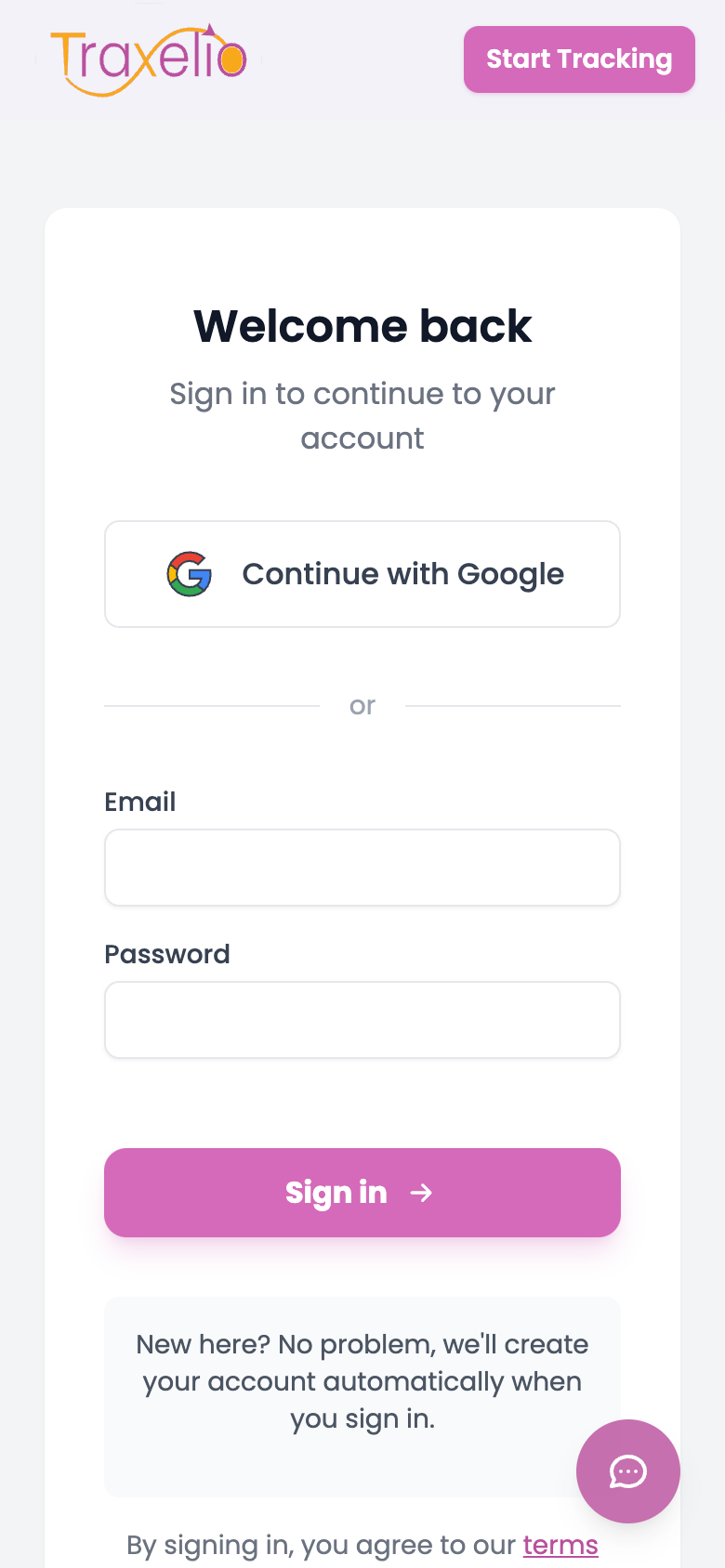
The fix took about five minutes to write, test, and ship. The bug had been running for months. It is the kind of small, full-stack fix that is typical of the Laravel and Vue work that runs this checkout end to end.
What I Should Have Done Earlier
The right place to catch this is during QA, not production. Testing authentication flows on Android before shipping would have caught it immediately.
But that is the easy version of the lesson. The harder version is this: after something ships, your testing coverage drops to near zero for edge cases. You rely on user feedback to surface regressions. If your users do not complain, you assume it is working.
Visitor session tracking breaks that assumption. You can watch actual users hit actual problems in real time, without them needing to tell you anything.
I run a daily scan of high-intent sessions that did not convert. It takes ten minutes. It has now found two separate checkout-blocking bugs in the span of one week: this Apple Sign-In issue, and a separate OTP delivery failure on Sonatel's network (covered in this post).
Neither showed up in support. Both showed up in the session logs.
The Takeaway
If you ship a checkout flow, the failure modes that kill your conversion rate are rarely the ones users report. They are the quiet ones: a button that renders but does not work, a verification code that never arrives, a redirect that goes nowhere.
The only way to find them is to watch what happens when real users try to buy from you.
Build the monitoring first. Then watch it every day. The bugs will introduce themselves.